📍Support in
United Kingdom
HelpCentre
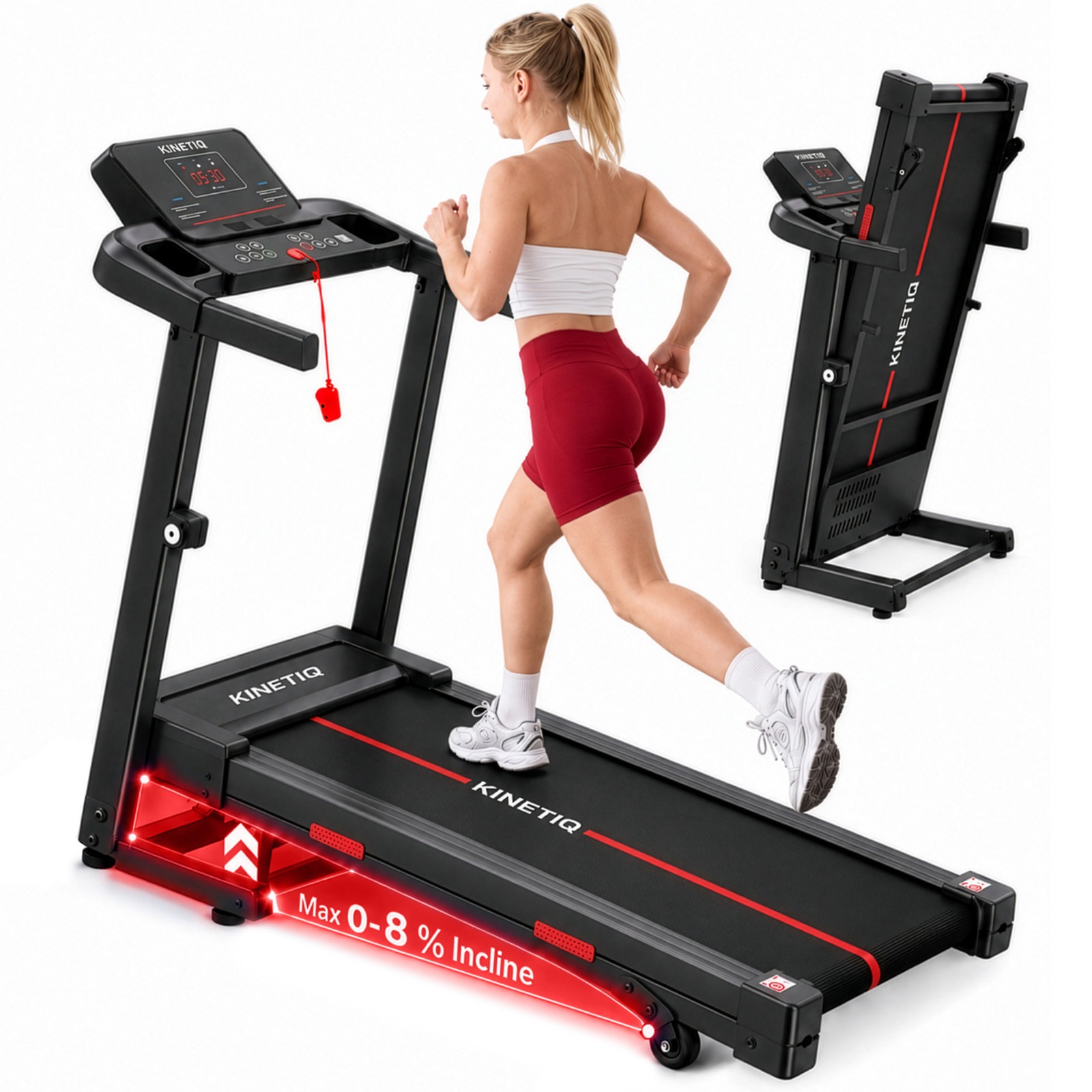
Kinetiq K2000 treadmill
Treadmills › Help Centre

Kinetiq K2000 — Help Centre

The heavy-duty, foldable Kinetiq treadmill with a stronger 4.0HP motor, 8% incline and large running belt — arrives 90% pre-assembled with built-in transport wheels, and supports users up to 180kg. Everything you need to set up, use and look after your K2000 is here: watch the installation and demo videos, read the quick guides below, or ask the AI assistant anything.

Motor4.0 HP
Speed1–12 km/h
Incline8% (manual)
Max user weight180 kg
Design90% pre-assembled · wheels
Warranty3yr frame · 1yr parts
4.7 ★★★★★ (84 ratings)

Common questions & guidelines

Quick answers for your K2000. Tap a question to expand — or use the AI assistant (bottom-right) for anything else.

How do I assemble and set up the K2000?›
  1. Place the folded deck on a flat, level floor with 2m of clear space behind it.
  2. Raise the upright posts until they click, then bolt both sides and tighten fully.
  3. Fit the console and push the console cable in until firm.
  4. Insert the magnetic safety key — the display won't power on without it.
  5. Plug in, switch on at the mains, and you're ready to walk.
Prefer to watch? ▶ Watch the instruction manual.
How do I fold, store and move it?›
  1. Switch off at the mains and remove the safety key.
  2. Loosen the locking knobs on the upright arms, then fold the arms down over the running deck until they rest flat — there's no need to lift the deck.
  3. Tilt onto the front transport wheels to roll it, and store on a flat surface.

▶ Watch the setup & folding video

How and when do I lubricate the belt?›
  • Use 100% silicone treadmill oil only — never WD-40 or household oils.
  • Lift each belt edge and apply oil along both sides of the deck, then walk slowly for 2–3 minutes.
  • Re-oil every 3 months or ~40 hours of use.

▶ Watch the lubrication video

The belt is slipping or drifting to one side›
  1. Find the two tension bolts at the rear roller (left & right), adjusted with the supplied Allen key.
  2. Drifting left: turn the left bolt ¼ turn clockwise. Drifting right: the right bolt ¼ turn clockwise.
  3. Slipping under foot: turn both bolts ¼ turn clockwise, equally.
  4. Test at ~6 km/h between small adjustments. Don't over-tighten.

▶ Watch the belt-alignment video

It won't turn on / shows an error code›
  1. Check the safety key is fitted and the switch by the power lead is on.
  2. Turn off at the mains for 30 seconds, re-seat the safety key and console cable, then power back on.
  3. If an error code returns, note it exactly (e.g. E1) and send it to us using the contact details, or ask the AI assistant.
Warranty, parts & registration›
Your K2000 is covered by the Kinetiq manufacturer warranty. Keep your order number and the model + serial number (on the frame label) handy. To register or raise a claim, use the contact details on this page.

Rate your K2000

Own this treadmill? Leave a star rating and a short review to help other Kinetiq owners.

★ Thanks — your review has been submitted.

★ ★ ★ ★ ★
Back to top
GEOTECH  ·  © 2026 Kinetiq Ltd. All rights reserved.